
LED Display Viewing Angle: Site Layout and Acceptance Guide
Article Summary
Plan LED display viewing angles around real audience zones, content, mounting height, ambient light, and a repeatable acceptance test—not one datasheet number.
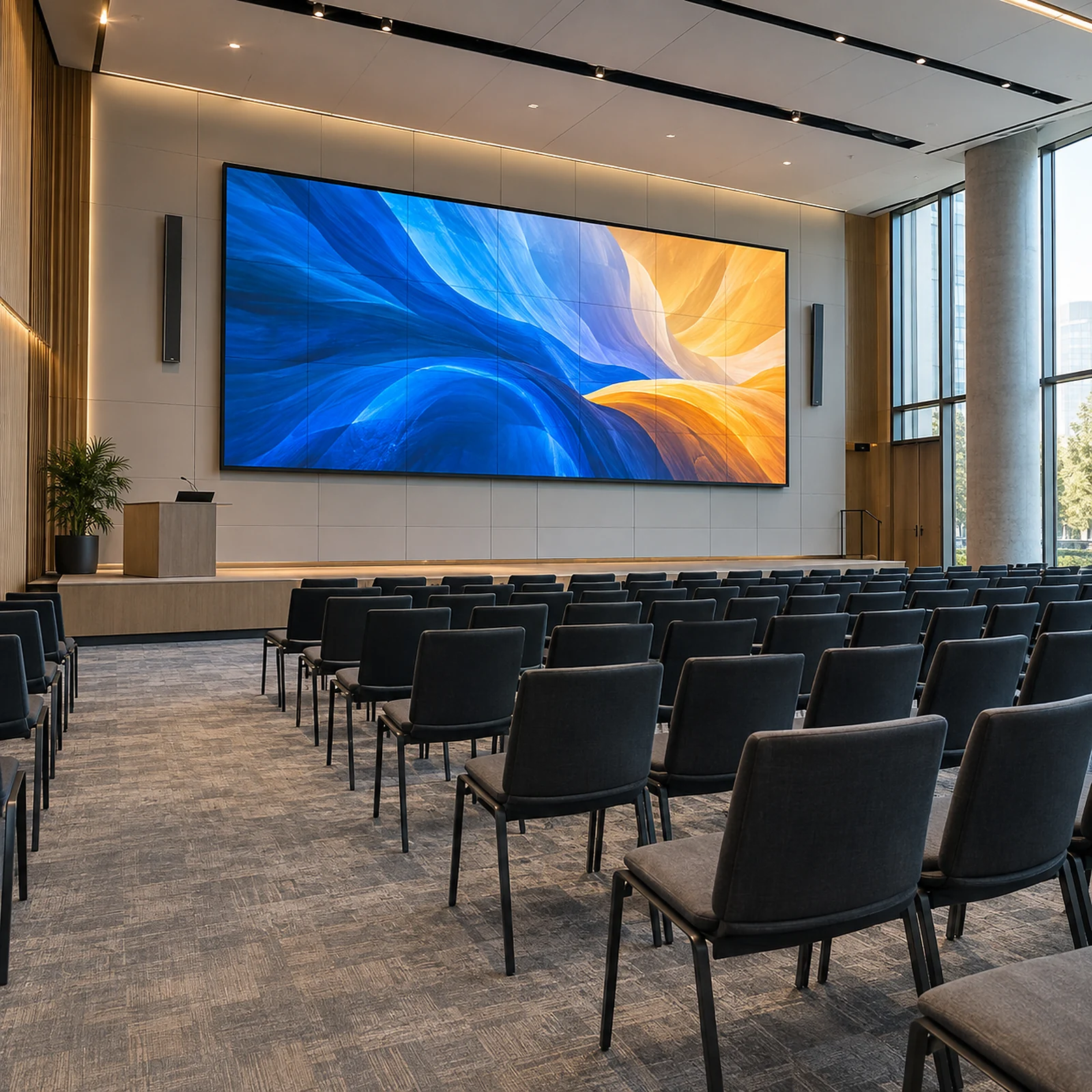
An LED display viewing angle should be planned from the real audience area, not accepted as a single number on a datasheet. A screen may still emit an image at a wide angle while contrast, color consistency, fine text, or brightness becomes less useful for people seated at the side. The practical question is therefore not “What is the maximum angle?” It is “From which seats must the content remain clear enough for its intended purpose?”
For project buyers, the reliable method is to map the audience zone, identify the most demanding content, confirm the screen height and orientation, and agree on an off-axis acceptance test before purchase. This turns a headline specification into a site decision that the supplier, installer, content team, and buyer can evaluate together.
Short answer: design around the usable audience zone
The best LED display viewing angle is the one that keeps the required content readable from every approved audience position. Start with a scaled plan of the room, mark the screen centerline, then identify the farthest side seat and the highest or lowest relevant sightline. Evaluate those positions with representative content instead of relying only on a laboratory-style viewing-angle claim.
For a practical approval, record four things:
- the center and extreme audience positions;
- the content that must remain readable, such as presentations, dashboards, video, or large-format advertising;
- the installed screen height, tilt, and any obstruction;
- the visual conditions that will be accepted at the side positions.
This approach is useful for meeting rooms, auditoriums, retail spaces, control rooms, showrooms, and other indoor LED display projects.
What does LED display viewing angle actually mean?
LED display viewing angle describes how far a viewer can move away from the screen’s normal viewing direction while the image remains visible. Horizontal viewing angle relates to movement left or right. Vertical viewing angle relates to positions above or below the screen center.
That definition is only a starting point. “Visible” is not the same as “usable.” A colorful video may still look acceptable from a side seat after small text, thin lines, skin tones, or dark-image detail have become difficult to judge. The usable viewing zone is therefore the part of the room where the screen still performs the intended communication task.
Pixel pitch and viewing angle are also different decisions. Pixel pitch mainly affects image detail and suitable viewing distance. Off-axis image quality depends on the LED package, optical behavior, module construction, mask or louver geometry, calibration, cabinet alignment, content, and the installed site. Buyers planning close-viewing applications can compare those separate decisions in our LED display viewing distance and pixel pitch guide.
Start with the site geometry, not the datasheet
A seating plan provides more useful information than a maximum-angle claim. Draw a line perpendicular to the center of the screen. Then mark the places where people must read or evaluate the content. The horizontal offset of a seat and its distance from the screen show how demanding that position is.
For an initial screen-center check, the side angle can be estimated from the lateral offset divided by the perpendicular distance. A floor plan or simple design tool can do this more reliably than guessing from a rendering. The final review should also consider screen width because a viewer does not look at every part of a large wall from the same angle.
Record the following project inputs before choosing a display:
| Site input | What to record | Why it matters |
|---|---|---|
| Audience zone | Center, far-side, front, and rear positions | Defines the real usable viewing zone |
| Screen position | Width, height, bottom edge, centerline, and tilt | Changes horizontal and vertical sightlines |
| Room geometry | Distance, wall angle, columns, doors, and aisles | Reveals obstructions and extreme positions |
| Content | Video, slides, dashboards, captions, prices, or wayfinding | Sets the required level of readability |
| Ambient light | Windows, spotlights, daylight direction, and dimming | Changes perceived contrast and reflections |
| Operating mode | Typical brightness, color mode, and scheduled content | Keeps acceptance testing representative |
If the room has a wide seating fan, an angled wall, or a screen placed off-center, consider the layout before finalizing the product. Moving the display, narrowing the approved seating zone, tilting the screen, or using a second display may solve the problem more effectively than choosing from one headline specification.
How does content change the useful viewing zone?
Content defines the threshold. Large video and bold graphics tolerate more off-axis change than spreadsheets, menus, subtitles, control data, or presentation slides with fine type. A procurement team should therefore test the hardest normal content, not a bright promotional loop selected only because it looks impressive.
For a corporate room, use the smallest text and line weights expected in real presentations. For a control room, include dark backgrounds, status colors, thin map lines, and the information density operators actually use. For retail, test pricing, calls to action, and brand colors from the walking paths where customers approach. For an auditorium, include captions and speaker slides at the planned font sizes.
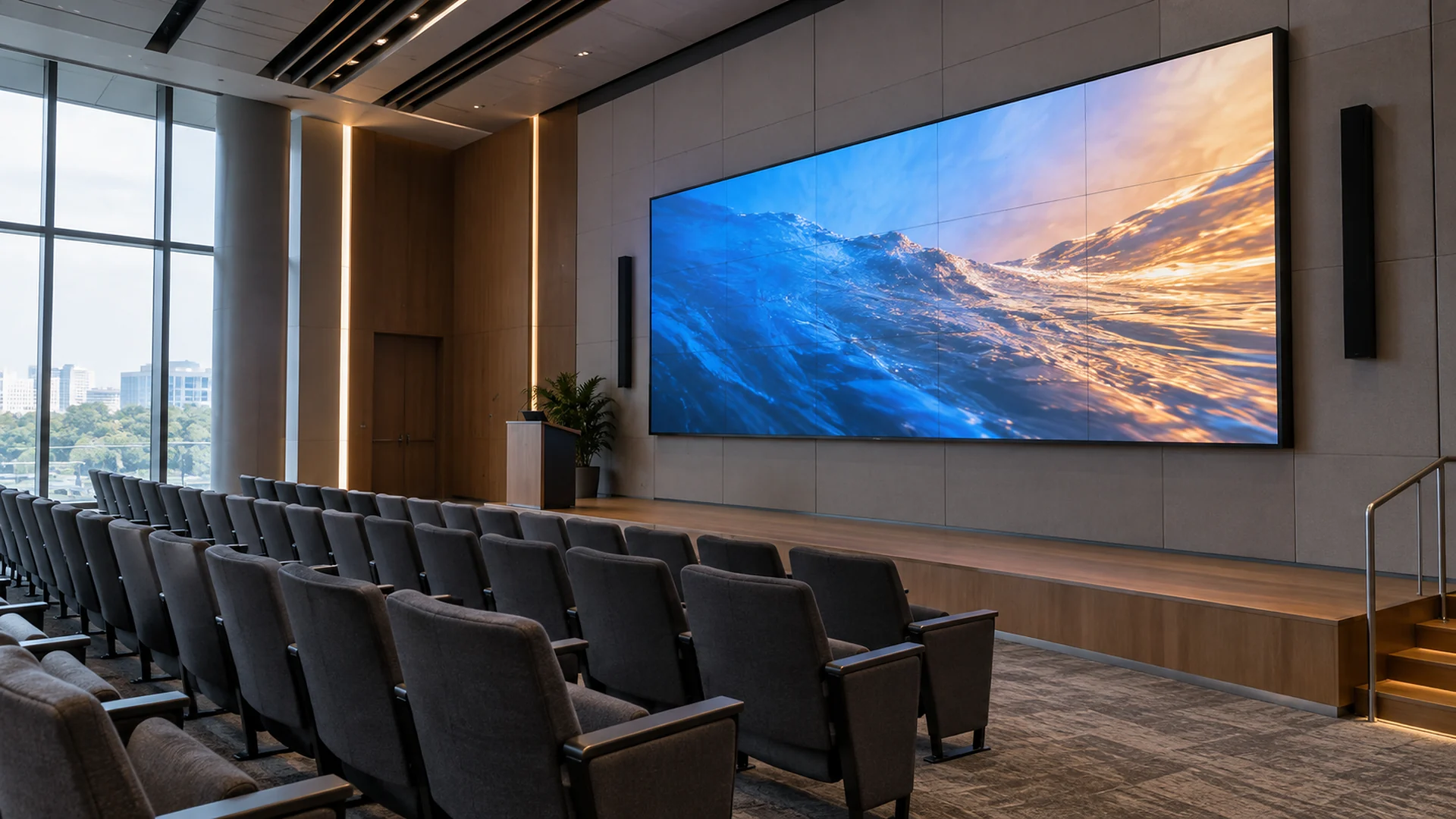
This content-first method improves the decision because it connects off-axis image quality to a real task. It also gives the supplier a repeatable target rather than a vague request for a “wide viewing angle.”
Why do mounting height and vertical angle matter?
Horizontal viewing angle receives most of the attention, but vertical geometry can be equally important. A high-mounted screen may be easy to see from the rear of a room yet uncomfortable from the front row. A screen installed too low may be blocked by people, furniture, staging, or equipment.
Check the bottom edge, top edge, center height, nearest viewing position, and eye level of seated or standing users. If the display is tilted, confirm that the structure, service access, ventilation, cable routing, and finished architecture still work. Tilt should not be added late as a cosmetic fix.
Large rooms may also need a sightline study. The manufacturer can provide cabinet dimensions and product information, but the installer and project designer remain responsible for the final support, alignment, access, and local site conditions. An indoor LED display category review can help establish suitable product families, but it does not replace the room geometry.
What changes when people view an LED wall from the side?
The most common changes are reduced perceived brightness, altered contrast, color shift, and less consistent appearance across the screen. The pattern depends on the display construction, calibration, content, ambient light, and angle. It should not be assumed from pixel pitch alone.
Cabinet flatness and module alignment also matter. A wall with inconsistent cabinet planes can show bands or local brightness changes that become more obvious off-axis. Conversely, a wide published viewing angle does not compensate for poor installation. Product selection and installation quality must be evaluated as one visual system.
For fine-detail applications, ask the supplier to demonstrate representative content on a comparable configuration. Review a fine-pitch LED screen as a possible close-viewing solution only after the site layout, resolution, content, and service requirements are defined.
Which acceptance standard fits each venue?
There is no universal visual threshold for every LED wall. The acceptance rule should match the audience and task.
| Application | Critical viewing positions | Content to test | Practical decision |
|---|---|---|---|
| Meeting room | Side seats near the front and rear | Slides, spreadsheets, remote participants, small labels | Text and faces remain useful from all approved seats |
| Auditorium | Outer seating blocks and front rows | Speaker slides, captions, video, event branding | Captions and presentation hierarchy remain clear |
| Control room | Operator desks and supervisor positions | Dark dashboards, maps, alerts, thin lines | Status information remains distinguishable without color ambiguity |
| Retail or showroom | Main approach paths and side windows | Prices, product names, brand color, motion content | Key commercial information remains readable during movement |
| Broadcast or studio | Planned camera positions as well as crew view | Camera test charts, skin tones, motion, graphics | Human viewing and camera performance are approved separately |
For camera-facing work, viewing angle is only one factor. Refresh behavior, scan method, processor settings, shutter, exposure, frame rate, and synchronization may also affect the recorded image. Do not use an audience-side visual check as the only camera acceptance test.
What should buyers put in the RFQ?
An effective RFQ describes the room and decision instead of asking for the widest possible number. Include:
- a scaled floor plan and elevation;
- screen width, height, aspect ratio, and preferred position;
- minimum and maximum viewing distance;
- far-left, far-right, highest, and lowest audience positions;
- typical and most demanding content samples;
- ambient-light conditions and window direction;
- required service access and architectural constraints;
- whether the display must be judged by people, cameras, or both;
- the proposed factory and site acceptance method.
Ask the supplier which configuration is being proposed and what evidence supports the recommendation. If a sample, demo, or comparable product is used, record the module, cabinet, controller, calibration, brightness setting, and content conditions. This keeps quotation comparisons connected to the proposed system rather than a generic catalog statement.
How should viewing angle be tested before handover?
Use the same test content, settings, and audience positions agreed before purchase. Start at the center reference position, then move to each approved extreme position. Check text, color relationships, dark detail, uniformity, and overall readability. Photographing the screen can help document locations, but the final decision should not depend on a phone camera that changes exposure automatically.
A simple acceptance sequence is:
- Confirm cabinet alignment, screen plane, processor configuration, and calibration status.
- Set the agreed operating brightness and room lighting.
- Display the buyer’s representative content at its intended resolution and scale.
- Review the center position, then the far-left, far-right, highest, and lowest approved positions.
- Record any content element that becomes unreadable or materially changes meaning.
- Agree whether the issue is content design, screen position, calibration, installation, or product configuration.
- Save the final settings, approved content, photos, and signed observations with the handover record.
When an inspection is performed before shipment, the same logic can be added to the LED display factory acceptance test checklist. Site acceptance should repeat the critical checks after the actual structure, room lighting, and audience geometry are in place.
How Shangxian supports the viewing-angle discussion
Shenzhen Shangxian Technology Co.,Ltd., also known as Shangxian Display and SXLED Display, supplies LED and LCD display solutions from Shenzhen for commercial projects worldwide. A useful project discussion begins with the screen dimensions, audience layout, viewing distance, content, installation method, environment, destination, and schedule.
The product recommendation should then be confirmed against the selected model and completed installation. The company can discuss display configuration and product options; the project designer, installer, structural engineer, electrician, content team, and local approval parties should confirm their own scopes. See the Shangxian Display company profile for the verified entity and service context.
Conclusion: approve a zone, not a headline number
LED display viewing angle is a project condition, not an isolated promise. The most useful specification is an agreed audience zone tied to real content, screen geometry, room lighting, operating settings, and a repeatable acceptance test.
For a qualified recommendation, send the screen size, floor plan, audience positions, viewing distance, mounting height, typical content, ambient-light conditions, installation method, destination, and schedule through the project inquiry page. Those inputs allow the supplier to discuss a configuration that can be evaluated in the room where it will operate.
Frequently asked questions
Is a published LED display viewing angle enough for approval?
No. It is a useful product reference, but the buyer should also approve the usable audience zone with representative content, realistic brightness, installed geometry, and site lighting.
Does a smaller pixel pitch automatically provide a wider viewing angle?
No. Pixel pitch primarily affects image detail and suitable viewing distance. Off-axis performance also depends on optical construction, module design, calibration, cabinet alignment, content, and installation.
How can I estimate the side viewing angle from a floor plan?
Measure the seat’s lateral offset from the screen centerline and its perpendicular distance from the screen plane. A plan or design tool can convert that geometry into an angle. For a large screen, also review the angle to the near and far edges.
Should the same test be used for cameras and people?
No. Audience viewing and camera capture overlap, but cameras add shutter, exposure, frame-rate, refresh, scan, processor, and synchronization considerations. Approve both use cases separately when the screen will be filmed.
How This Guide Was Prepared
This guide was prepared by the Shangxian Display Editorial Team using available product specifications, factory inspection workflows, recurring buyer questions, and practical project-selection requirements.
Final product specifications, certifications, warranty terms, spare-parts quantities, lead times, and installation requirements should be confirmed for the selected model in the project quotation.