
LED Display Refresh Rate Guide: 1920Hz to 7680Hz
Article Summary
Compare 1920Hz, 3840Hz, and 7680Hz LED display refresh rates for signage, rental stages, cameras, broadcast studios, and virtual production.
If you have compared a few LED display quotations, you have probably seen refresh rates such as 1920Hz, 3840Hz, or even 7680Hz. The bigger number looks better, so it is tempting to choose the highest one and move on.
But refresh rate is not a simple quality score. A conference room, a roadside billboard, a rental stage, and a virtual studio do not all need the same specification. Paying for more than the project needs can waste budget, while choosing too little can create flicker or dark scan lines on camera.
What Is LED Display Refresh Rate?
LED display refresh rate tells you how many times per second the screen updates its light output. It is measured in hertz. A 3840Hz LED display refreshes 3,840 times per second.
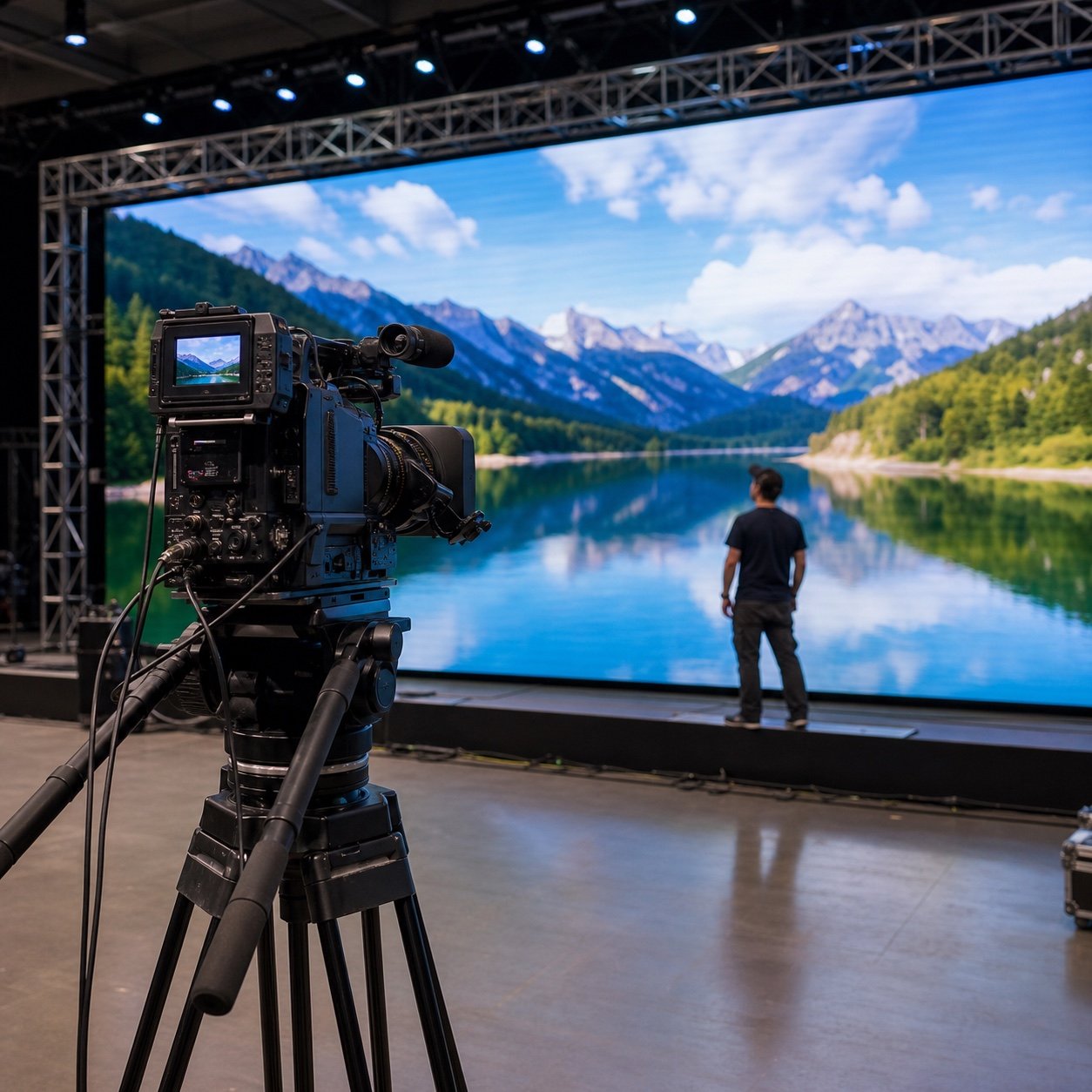
Do not confuse this with video frame rate. Your video may run at 25, 30, 50, or 60 frames per second, while the LED modules refresh their pixels thousands of times per second. The high refresh rate helps the image look stable, especially when a camera records the screen.
1920Hz vs 3840Hz vs 7680Hz: Quick Comparison
| Refresh Rate | Typical Use | Main Advantage | What to Watch |
|---|---|---|---|
| 1920Hz | Basic signage and some fixed installations | Lower cost for non-camera applications | May show lines or flicker under demanding camera settings |
| 3840Hz | Rental events, retail, conference rooms, stages | Good balance of camera performance and cost | Still needs a real camera test for broadcast work |
| 7680Hz | Broadcast studios, virtual production, premium filmed events | More flexibility with shutter speed and high-frame-rate capture | Higher specification does not fix poor calibration or processing |
These are practical guidelines, not universal rules. Driver IC, scan mode, receiving card settings, brightness, grayscale, camera shutter, and content all affect the final result.
When Is 1920Hz Enough?
A 1920Hz screen can work for applications where people mainly view the display with their eyes and professional filming is not important. Examples include some information boards, basic commercial signage, and outdoor advertising viewed from a distance.
That does not mean every 1920Hz product is low quality. It means the specification offers less margin for demanding camera work. If visitors regularly photograph or film the screen, or if the project may later be used for live streaming, 3840Hz is usually the more comfortable starting point.
Why 3840Hz Is a Popular B2B Choice
For many projects, 3840Hz sits in the practical middle. It is commonly requested for rental LED displays, exhibition booths, corporate events, retail spaces, meeting rooms, and indoor stages.
It normally gives cameras more stable results than 1920Hz without pushing every project into a premium broadcast configuration. For event companies that serve different clients, this extra flexibility can be worth the cost.
Still, the number on the specification sheet is not the final proof. Ask the supplier to show a camera test using realistic brightness, scan mode, and processing settings.
When Does 7680Hz Make Sense?
7680Hz is most useful when the LED wall is part of the image production system rather than simply a background display. Think virtual studios, television production, filmed concerts, slow-motion capture, esports broadcasts, and high-end product launches.
These projects may use unusual shutter angles, high frame rates, or multiple camera systems. The higher refresh rate gives the production team more room to find clean settings. However, it should be considered together with color depth, grayscale at low brightness, synchronization, genlock, scan mode, and the video processor.
Why a High Refresh Rate Screen Can Still Look Bad on Camera
This catches buyers by surprise. A quotation says 3840Hz or 7680Hz, but the installed screen still produces dark bands, color shifts, or visible moire in the camera image.
Camera Shutter and Frame Rate
The camera shutter must work with the LED refresh behavior. Changing shutter speed can remove one problem and reveal another, so testing should use the actual production cameras whenever possible.
Scan Mode and Driver IC
Two screens with the same advertised refresh rate may perform differently because their driver ICs, scan ratios, PCB design, and control settings are different.
Low-Brightness Grayscale
A screen can look excellent at full brightness but lose detail when dimmed for a studio. Broadcast projects should check grayscale and color consistency at the brightness level used during filming.
Pixel Pitch and Moire
Refresh rate cannot remove every moire pattern. Pixel pitch, camera distance, lens focus, aperture, and shooting angle all matter. Our pixel pitch and viewing distance guide explains how to choose a practical starting point.
What Should You Ask for Before Approving a Quotation?
- What refresh rate is available at the proposed scan mode and grayscale setting?
- Which driver IC and receiving card are included?
- Can the supplier provide an unedited camera-test video?
- Was the test recorded at full brightness or at the project’s actual brightness?
- Can the screen be tested with your camera frame rate and shutter settings?
- Are processor, controller, cables, and synchronization equipment included?
- Does changing to a higher refresh-rate mode affect brightness or grayscale?
If the supplier only repeats the number without explaining the complete configuration, the comparison is incomplete. Use our B2B LED display supplier guide for more questions to ask during supplier evaluation.
Which Refresh Rate Should You Choose?
Here is the short version:
- Choose 1920Hz for cost-sensitive signage where professional camera capture is not a priority.
- Choose 3840Hz for most rental, event, retail, conference, and general camera-facing projects.
- Consider 7680Hz for broadcast, virtual production, slow motion, and technically demanding filmed environments.
The right decision starts with the project, not the biggest number. Share the application, screen size, pixel pitch, camera model, frame rate, shutter settings, viewing distance, and target brightness with the supplier.
Final Takeaway
Refresh rate matters, but it works as part of a system. A well-configured 3840Hz LED display can be a better purchase than a poorly calibrated 7680Hz screen. For camera-critical work, insist on a test that matches the real production environment before approving the order.
Need help comparing specifications? Contact the Shangxian team with your project details and camera requirements. We can recommend a practical LED display configuration instead of simply quoting the highest number.
Frequently Asked Questions
Is 3840Hz good for an LED display?
Yes. 3840Hz is a strong general-purpose choice for many rental stages, events, retail spaces, conference rooms, and camera-facing commercial projects.
Can people see the difference between 1920Hz and 3840Hz?
With normal viewing, the difference may be subtle. Cameras are usually more sensitive, so the improvement is more obvious in recorded video, photography, and live production.
Does 7680Hz eliminate camera flicker?
It provides more flexibility, but it cannot guarantee a perfect result by itself. Camera settings, scan mode, driver IC, processor configuration, brightness, grayscale, and synchronization still need to be matched.
How This Guide Was Prepared
This guide was prepared by the Shangxian Display Editorial Team using available product specifications, factory inspection workflows, recurring buyer questions, and practical project-selection requirements.
Final product specifications, certifications, warranty terms, spare-parts quantities, lead times, and installation requirements should be confirmed for the selected model in the project quotation.