
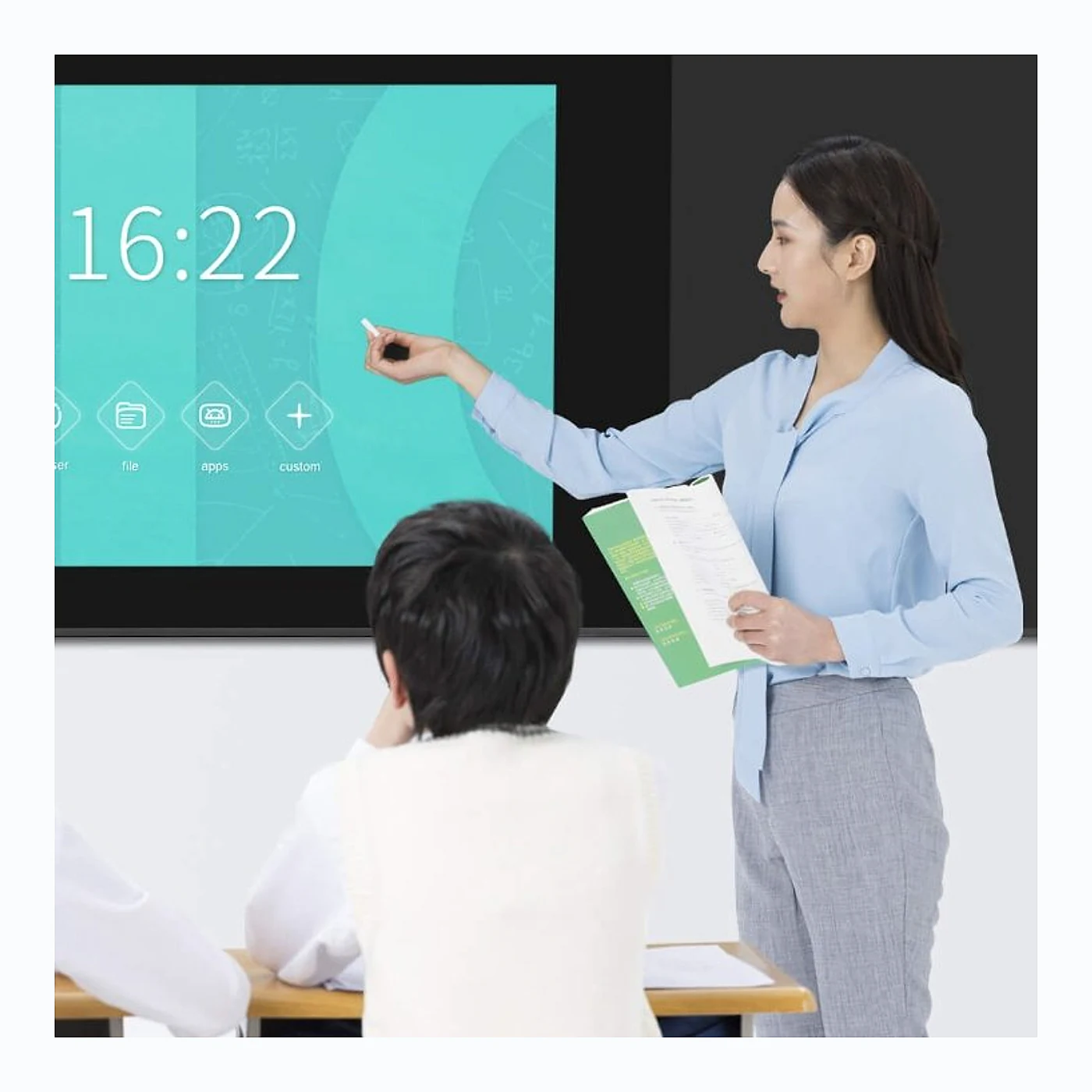
Interactive LED Display
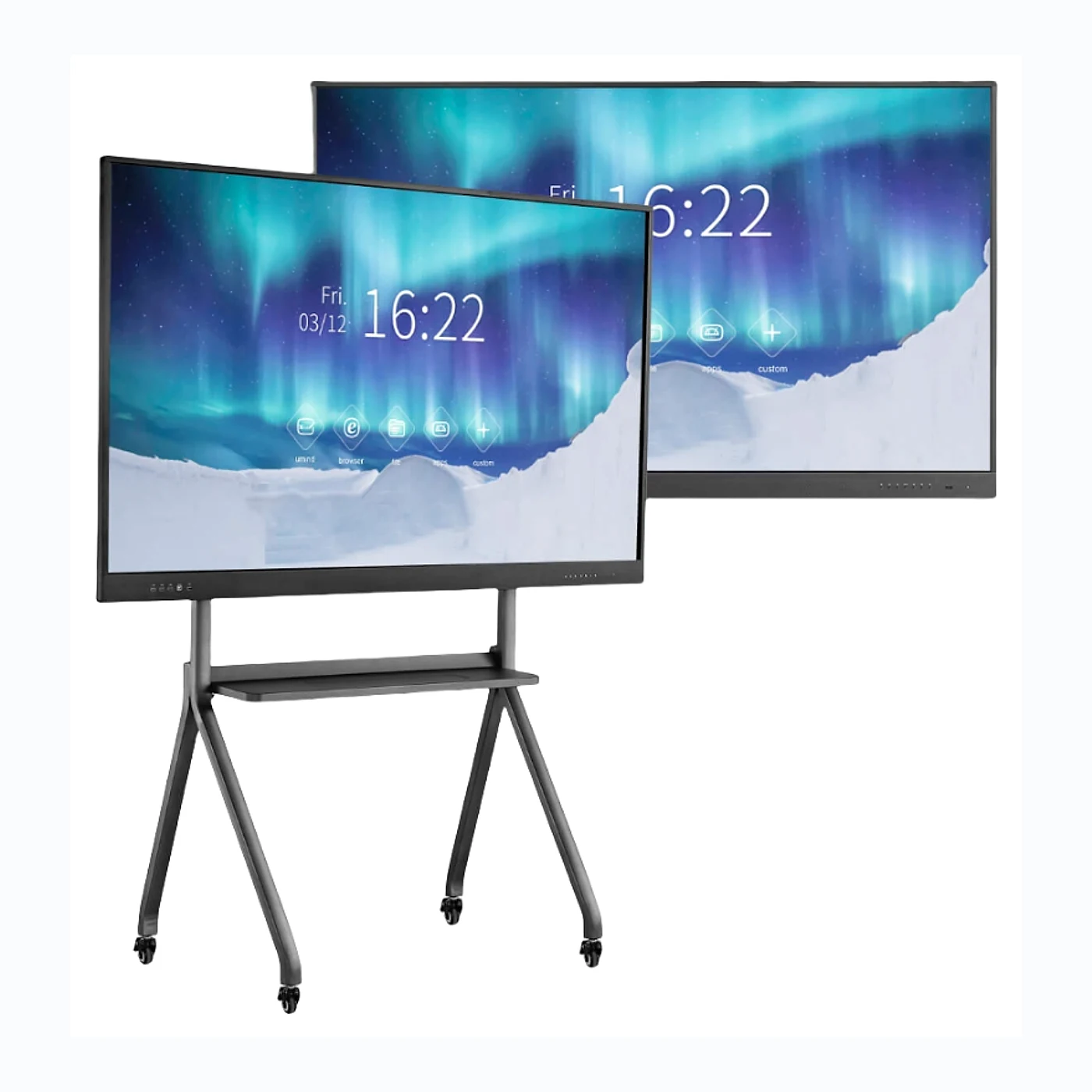
Interactive Smart Blackboard
Interactive Smart Blackboard is supplied for commercial display projects that need stable image quality, reliable structure, and practical after-sales support.
Best for: Commercial display projects that need a model selected around screen size, viewing distance, environment, and installation method.
- Application
- Commercial display
- Configuration
- Project-selected
- Support
- Factory consultation
Send screen size, application, destination country, and target delivery time for an accurate project quotation.
- Configuration support
- Pre-shipment inspection
- Spare-parts planning
Technical Overview
Key Product Specifications
| Pixel Pitch | Selected according to viewing distance and resolution needs |
|---|---|
| Brightness | Configured for the installation environment |
| Refresh Rate | Configured for content and camera requirements |
| Cabinet Size | Confirm available cabinet options for this model |
| Protection Rating | Confirm by model and installation environment |
| Maintenance | Front or rear service option; confirm by model |
| Control System | Matched to content, connectivity, and project requirements |
How to read and verify these specifications
The information on this page is compiled from the available model content and project configuration data maintained by Shangxian Display. Values such as brightness, refresh rate, IP rating, cabinet structure, control system, warranty, and certificates can vary by model and project.
Confirm the final specification sheet and quotation before placing an order. Review our quality control process.
Selection Guide
Project Fit And Buying Inputs
Recommended Use
Commercial display projects that need a model selected around screen size, viewing distance, environment, and installation method.
Confirm Before Selection
Confirm screen size, viewing distance, brightness, mounting structure, service access, content source, and control requirements.
Quotation Scope
Final specifications, packing, spare parts, lead time, warranty, and certificates are confirmed in the project quotation.
Read Full Product Description
What is Interactive Smart Blackboard?
An Interactive Smart Blackboard is a digital, interactive display that combines the traditional functionality of a blackboard or whiteboard with advanced computer technology. This high-tech teaching tool is designed to enhance collaboration, interactivity, and engagement in the classroom by integrating multimedia content and interactive software with traditional chalkboard or whiteboard writing capabilities.
Make Your Classes Come Alive
With a new interactive flat panel, new firmware and app for class preparation and delivery, Riotouch provides the total solution for all your educational needs.
Features of Interactive Smart Blackboard
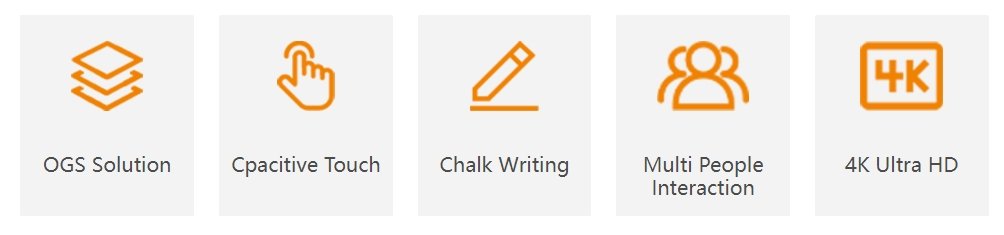
The Interactive Smart Blackboard boasts an array of features designed to facilitate a more immersive and interactive learning experience. Some prominent features include:
- Touchscreen Interface: The Interactive Smart Blackboard’s touchscreen technology enables users to interact with the display using their fingers, styluses, or other accessories, making it an intuitive and versatile tool for teaching and presenting.
- Built-in Multimedia Connectivity: The Interactive Smart Blackboard can easily connect to various devices, such as laptops, tablets, or smartphones, allowing teachers and students to access and present multimedia content from multiple sources seamlessly.
- Collaborative Tools: With built-in collaborative tools like annotation and whiteboarding capabilities, the Interactive Smart Blackboard enables multiple users to work together in real-time, promoting teamwork, group learning, and problem-solving.
- Cloud Storage and Synchronization: Users can store and access their work through cloud storage or local storage options, enabling seamless collaboration and keeping materials organized and up-to-date.
- Educational Software Integration: Interactive Smart Blackboard is compatible with various educational software programs, allowing educators to integrate tailored resources and materials into their teaching.
- Customizable Features: The Interactive Smart Blackboard is highly customizable, enabling users to personalize settings, tools, and content to meet specific teaching and learning needs.
Applications of Interactive Smart Blackboard
The Interactive Smart Blackboard is suitable for various educational settings and age groups, ranging from primary and secondary schools to higher education institutions and professional training programs. Some common applications include:
- Classroom Teaching: The Interactive Smart Blackboard supports traditional teaching methods, such as lectures, presentations, and demonstrations, while providing additional tools and features to engage students and facilitate learning.
- Collaborative Group Work: Educators can harness the Interactive Smart Blackboard’s collaborative tools to foster teamwork, problem-solving, and group discussions among students, promoting active learning and critical thinking.
- Distance Learning: The Interactive Smart Blackboard can be utilized for remote learning, enabling students and teachers to collaborate and communicate in real-time, regardless of their physical location.
- Interactive Workshops and Training: Corporate or professional training courses can benefit from the Interactive Smart Blackboard, as it offers an engaging platform for presenting information, conducting interactive workshops, and facilitating discussions.
- Special Needs Education: Students with special needs can benefit from the Interactive Smart Blackboard’s accessibility features, which can provide a more inclusive learning environment for students with diverse abilities.
Price of Interactive Smart Blackboard
The price of an Interactive Smart Blackboard can vary significantly depending on factors such as size, features, software, and brand. There is a wide range of pricing options to suit different budgets and needs, from more affordable, basic models to high-end, feature-rich alternatives.
When evaluating the cost of an Interactive Smart Blackboard, it is essential to consider factors like the total cost of ownership, including installation, software licensing, and maintenance, as well as potential savings resulting from increased student engagement, improved learning outcomes, and streamlined teaching practices.
Conclusion
The Interactive Smart Blackboard offers a dynamic, engaging platform for teaching and learning that can benefit educators and students across various educational settings and contexts. By carefully considering the features, applications, and pricing of the Interactive Smart Blackboard, educational institutions and instructors can make informed decisions about whether this technology is the best fit for their classroom environment and learning objectives.
Project Support
Support Before Production And Delivery
Configuration Review
Match the product to viewing distance, brightness, content, installation environment, maintenance access, and control requirements.
Factory Verification
Confirm the approved model, cabinet quantity, accessories, visual checks, and project-specific inspection requirements before shipment.
Delivery Preparation
Review packing, spare parts, shipping information, installation documents, warranty terms, and support contacts in the final quotation.
Applications
Typical Project Applications
- Commercial signage and retail display projects
- Public information and corporate communication displays
- Custom indoor or outdoor visual installations
- System integrator and overseas project requirements
Project Quotation
Tell Us About Your Project
For a useful comparison, share the screen size, application, viewing distance, installation place, destination country, and target delivery date.
- Recommended model and configuration
- Commercial quotation and lead-time confirmation
- Packing, spare-parts, and shipping planning
Email: info@sxleddisplay.com
WhatsApp: +86 15617669952
Buying Guide
Common Questions Before Quotation
How do I choose the right specification?
Share the screen size, viewing distance, indoor or outdoor environment, content type, and installation method. We can suggest pixel pitch, brightness, cabinet type, and control system options.
Can the product be customized?
Yes. Cabinet size, brightness, installation structure, maintenance direction, packaging, spare parts, and control system can be discussed according to the project.
What should I send for a quote?
Please send product model, screen width and height, usage location, target delivery time, and any drawing or project photo. Clear project details make the quotation faster and more accurate.
Related Products
You May Also Like
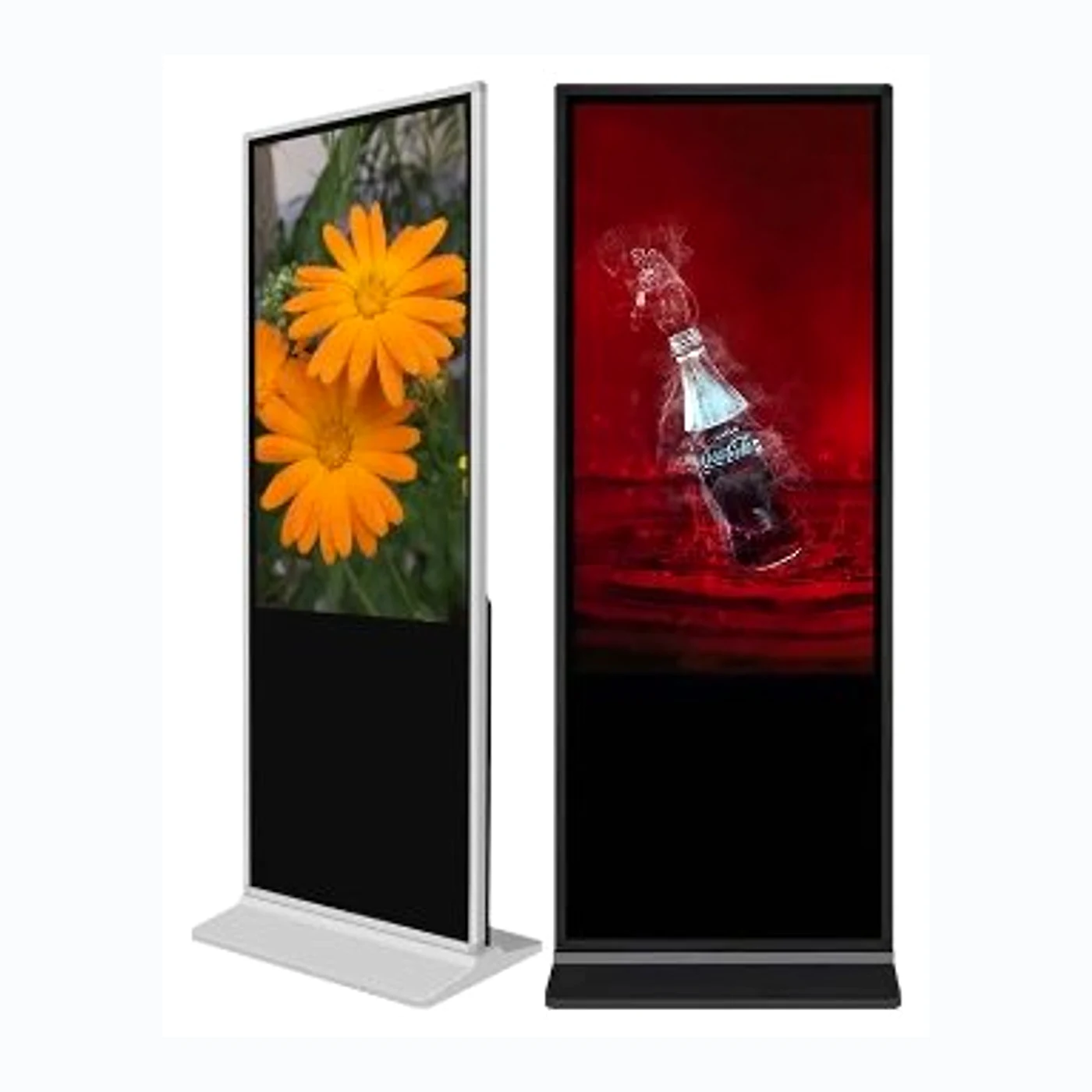
Digital Signage Interactive LED Display
Digital Signage Interactive LED Display is a dynamic advertising solution that combines the power of LED…
- ApplicationCommercial display
- ConfigurationProject-selected
- SupportFactory consultation
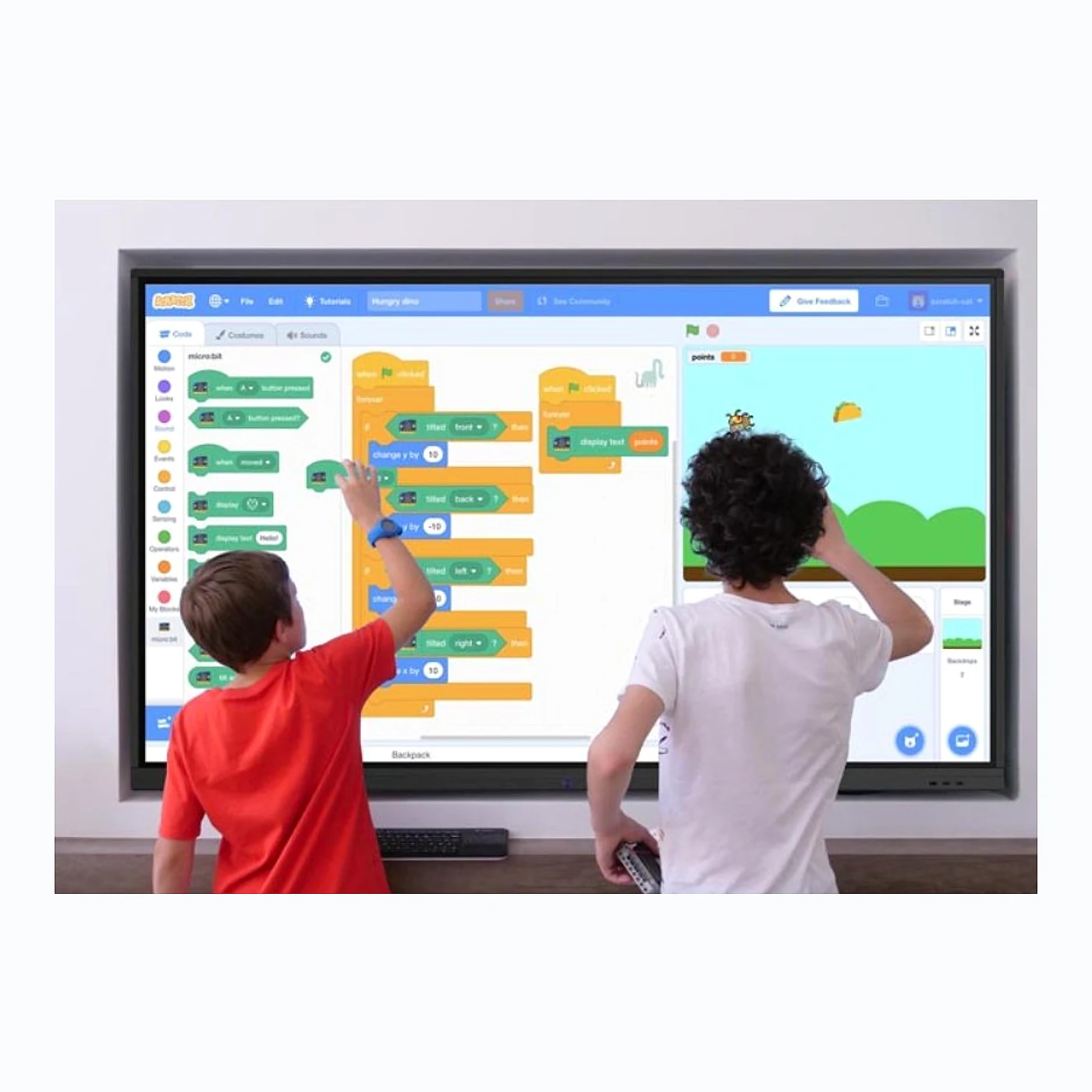
Education Interactive Touch Screen
Education interactive touch screens, often referred to as interactive whiteboards or smartboards, are large touchscreen displays…
- ApplicationCommercial display
- ConfigurationProject-selected
- SupportFactory consultation
Business Interactive Display
Business Interactive Display is an advanced touch-enabled digital screen designed to improve presentations, brainstorming, and collaboration…
- ApplicationCommercial display
- ConfigurationProject-selected
- SupportFactory consultation